Lab 2: Connect to PostGres via Gui
- Download and install the GUI version of Sqlectron.
- Open the Sqlectron application.
- Select the add button at the top of the application.
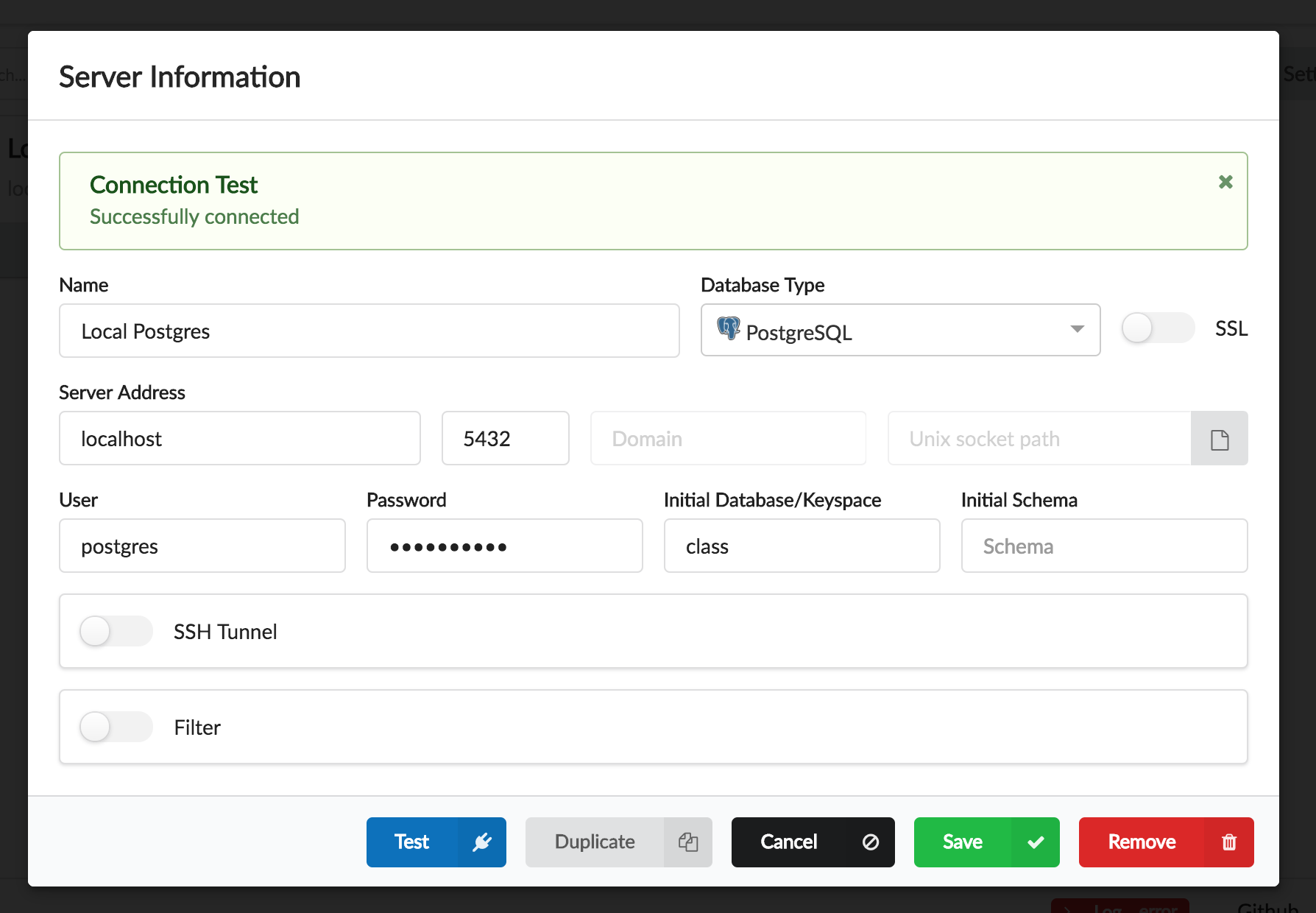
- In the form inside the modal enter the following values.
- Name: Local PostGres
- Type: PostGres
- Server Address: localhost
- User: postgres
- Password: See Lab 1
- Database: class
-
Push the test button and confirm the configuration is correct.
- Select the save button.
- At the servers screen select Local Postgres then select connect.
- Notice we can connect to the database and we are given a screen that lets us run SQL against the server.
Review
This lab was meant to install and familiarize